Say, you’ve just launched a new automated drip campaign. Outreach sequences look tight. Messaging is sharp. Everything seems flawless.
Many users come to Leadsync AI in full panic mode when this happens: “Did I just ruin everything, or can I still edit a Leadsync AI campaign that’s already live?”
The short answer is YES. You can still add actions to any step or branch in your active or paused outreach Leadsync AI campaign without restarting it.
On a bigger scale, this gives you the flexibility to evolve your prospecting, extend engagement paths, and route completed leads into new follow-ups as your strategy changes.
We’ll show you how to add actions to an active LinkedIn outreach campaign on Leadsync AI — no nervous deleting, no frantic messages to support, just a few simple steps.
Types of Campaign Actions in Leadsync AI
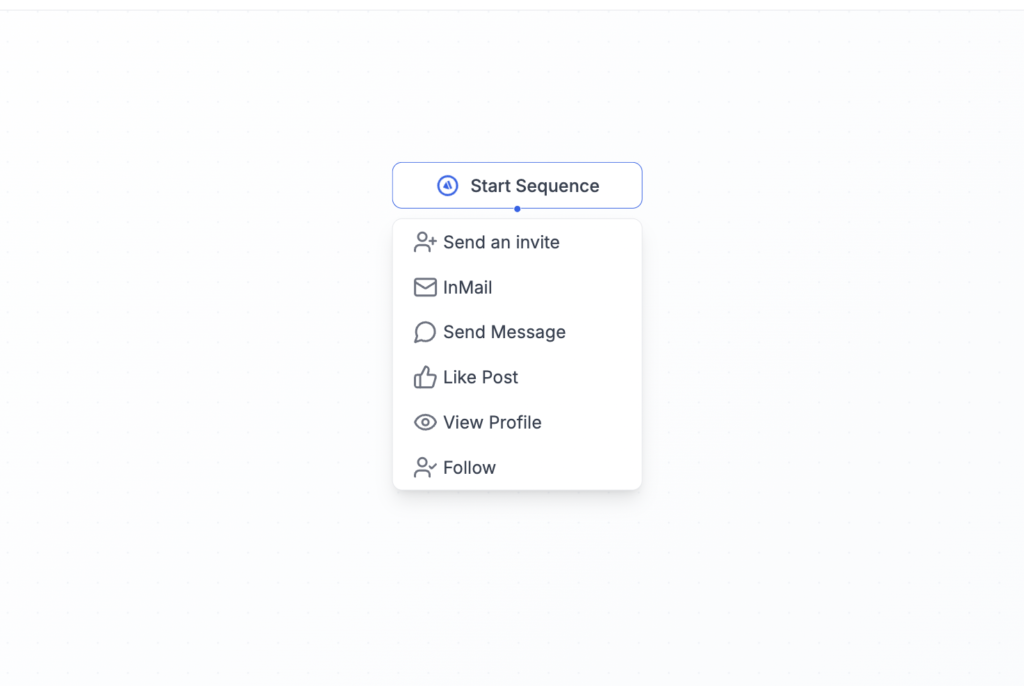
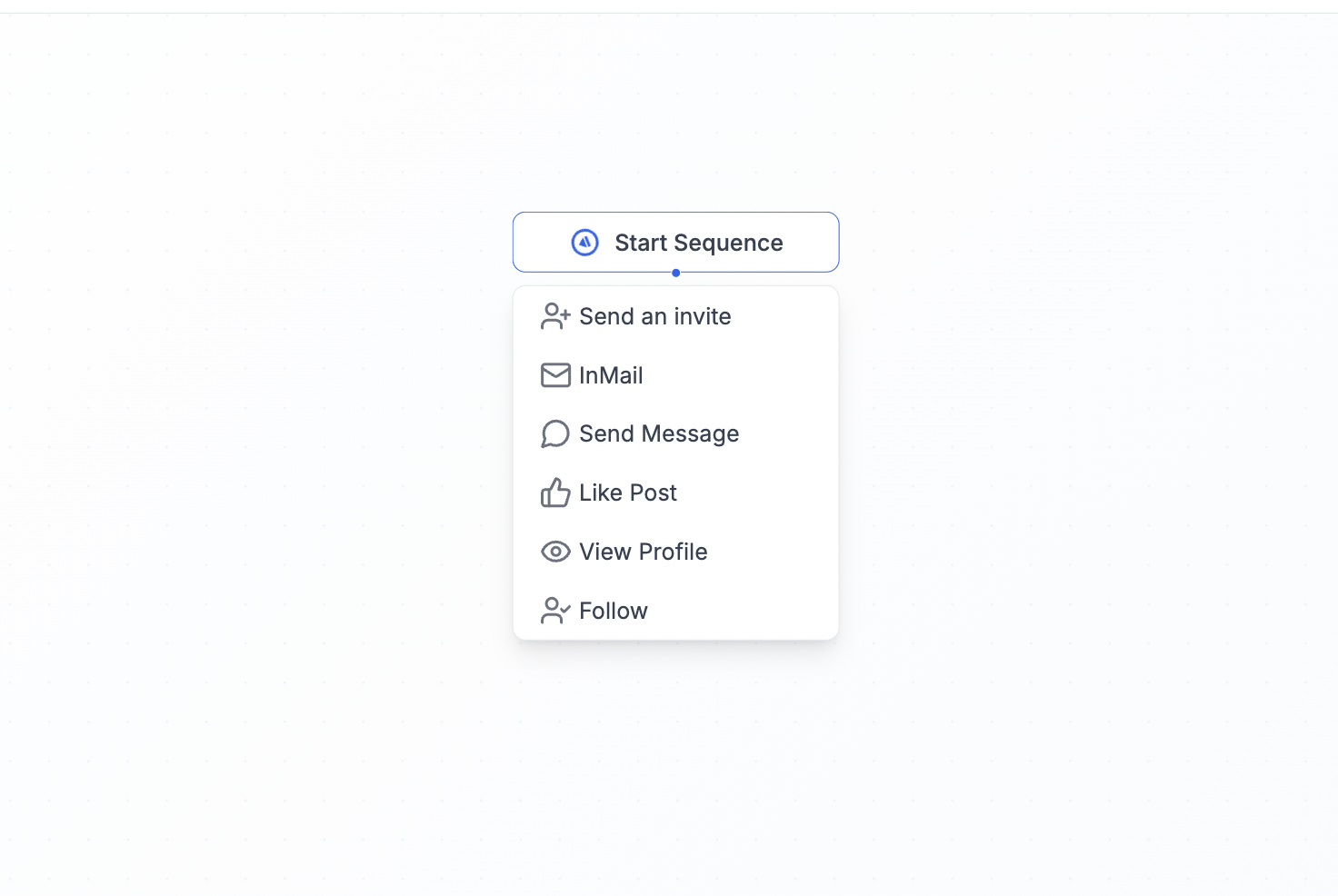
Anything you see after clicking the “Add” button in your outreach sequences on LinkedIn counts as an Action or a Condition.